


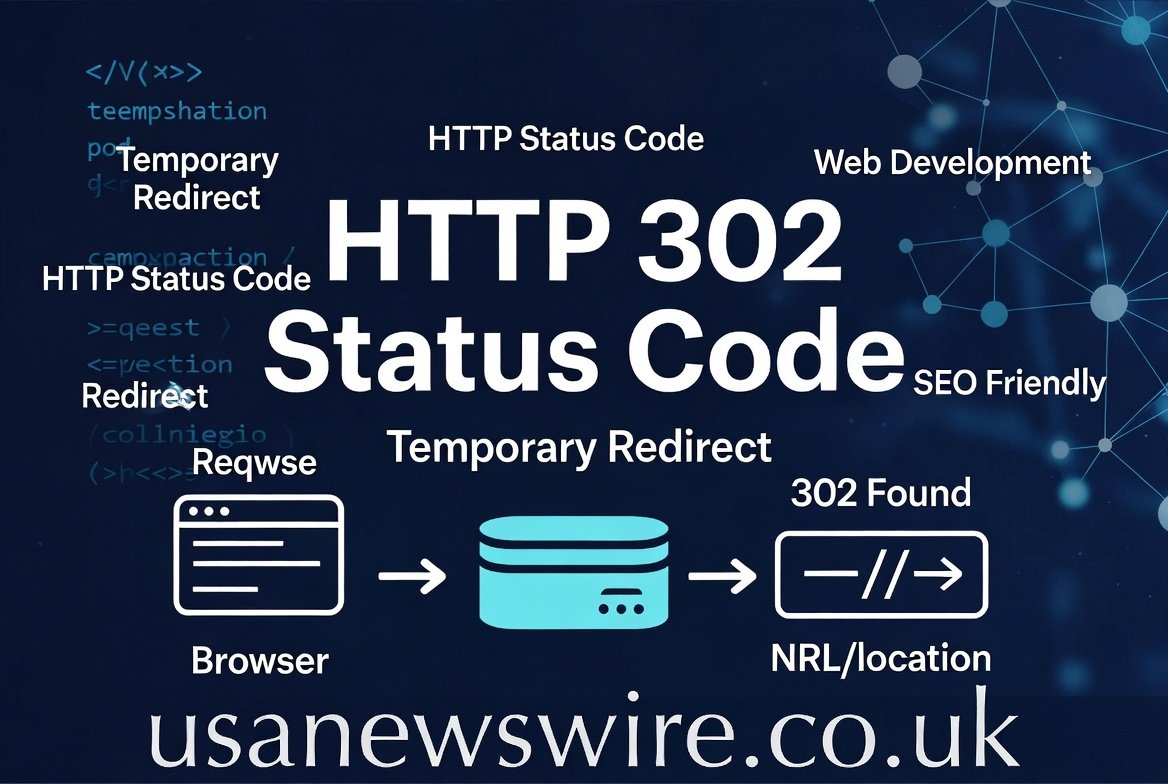
Have you ever clicked a link and suddenly landed on a different page? That is often the work of an HTTP 302 status code. Think of it like a “we have moved” sign on a shop door. It tells your web browser that the page you want is living somewhere else for a little while. This is very common on the internet today. Webmasters use it to send visitors to a new spot without losing them. It is a helpful tool that keeps the internet running smoothly for everyone. When you see this happen, it just means the server is doing its job by guiding you to the right place.
How Temporary Redirects Actually Work
A temporary redirect is like a detour on a road trip. When a server sends an HTTP 302 status code, it tells the browser to look at a new URL. However, it also says that the old URL is still the “real” home. This is the big difference between temporary and permanent moves. Your browser sees the message and quickly jumps to the new page. Most of the time, this happens so fast that you do not even notice it. It is a seamless handoff between two web addresses. This process ensures that users do not see a broken “404 Not Found” error page.
Why Do We Need 302 Redirects?
There are many times when a website needs to move things around just for a bit. Maybe a shop is having a flash sale and wants everyone to see a special landing page. Or perhaps a developer is fixing a bug on the main site. Using an HTTP 302 status code is perfect for these moments. It allows the owner to test new designs or manage traffic during busy times. It keeps the user experience high because nobody likes clicking a link that does not work. It acts as a safety net for your website’s navigation and overall flow.
The Difference Between 301 and 302
Many people get confused between a 301 and an HTTP 302 status code. A 301 redirect means a page has moved forever. It is like moving to a new house and changing your address. An HTTP 302 status code is more like staying at a hotel for a week. You are there for a moment, but you will go back home soon. Search engines treat them very differently. A 301 pass all the “ranking power” to the new page. A 302 tells search engines to keep the old page in their memory. Picking the right one is very important for your site.
How Search Engines See the 302 Code
Search engines like Google are very smart, but they need clear signals. When they see an HTTP 302 status code, they understand the change is not forever. Because of this, they keep the original URL in their search results. They do not give the new URL the credit for the content yet. This is why you should only use a 302 if you plan to go back to the old page soon. If you leave a 302 up for years, it might confuse the search engine. Always be honest with your redirect signals to keep your site healthy and easy to find.
Common Uses for Temporary Moves
You might see an HTTP 302 status code during a seasonal promotion or a holiday event. For example, a clothing store might redirect their “Deals” page to a “Black Friday” page in November. Once the sale is over, they simply remove the redirect. Another use is A/B testing, where a site owner shows two different versions of a page. They use the HTTP 302 status code to send some people to version A and some to version B. This helps them learn which design people like more. It is a very flexible tool for any web expert.
When to Avoid Using a 302 Redirect
You should never use an HTTP 302 status code if you are moving your site to a new domain name. If you are shutting down an old page for good, use a 301 instead. Using a 302 for a permanent move is a common mistake that can hurt your rankings. It tells Google to keep looking at the old, empty page. This can lead to your website losing its spot in the search results. Always think about the future of your content before you choose your redirect type. Make sure your choice matches your long-term goals for the website.
How to Set Up an HTTP 302 Status Code
Setting up a redirect is usually very easy to do. Most people use a plugin if they are using a system like WordPress. You can also do it by editing a file called .htaccess on your server. You just write a simple line of code that points the old link to the new one. When the server sees a request for that page, it sends the HTTP 302 status code automatically. If you are not a coder, don’t worry! Many web hosting companies have buttons in their control panel to help you. It only takes a few clicks to set it up.
Checking for Redirect Loops
Sometimes things go wrong and you get a “redirect loop.” This happens when Page A points to Page B, but Page B points back to Page A. This creates a circle that never ends. Your browser will eventually give up and show an error. When using an HTTP 302 status code, always test your links to make sure they go to the right place. You can use free online tools to check your “header response.” These tools will tell you if your HTTP 302 status code is working correctly. It is always better to double-check your work.
Impact on Social Media Links
When you share a link on Facebook or Twitter, those sites look at the redirect too. If you use an HTTP 302 status code, the social media site usually sees the content of the new page. However, it still remembers the original link you shared. This is great for tracking how many people click your links. It allows you to change the destination of a shared link without changing the post itself. This makes the HTTP 302 status code a very powerful tool for social media marketing. It gives you control over your traffic long after you post.
Solving Problems with 302 Errors
If you see an error related to an HTTP 302 status code, do not panic. Usually, it is just a small mistake in the URL address. Check to make sure there are no typos in the destination link. Sometimes, your browser “cache” remembers an old redirect that you already deleted. If you clear your browser history, the problem might go away. You can also ask your website host for help if you are stuck. Most issues with the HTTP 302 status code are very easy to fix once you know where to look.
Conclusion
The HTTP 302 status code is a vital part of the modern web. It helps us move users around without causing errors or frustration. Whether you are running a sale or testing a new idea, this temporary redirect is your best friend. Just remember to use it only for short-term changes. By following these simple rules, you can keep your visitors happy and your SEO strong. Now that you know how it works, you can use redirects like a pro. Go ahead and make your website the best it can be for your audience!
FAQs
1. Is an HTTP 302 status code bad for my SEO?
No, it is not bad at all! It is a standard part of the web. It only becomes a problem if you use it for a permanent move. As long as the change is temporary, Google will be perfectly happy with it.
2. Can I turn a 302 redirect into a 301 later?
Yes, you certainly can. If you decide that a temporary move should become permanent, you just change the code. Most plugins and server tools allow you to switch between them very easily.
3. Does a 302 redirect slow down my website?
A redirect takes a tiny fraction of a second. Most users will never notice any lag. However, you should avoid having too many redirects in a row, as that can eventually slow things down.
4. How long can I keep an HTTP 302 status code active?
There is no hard time limit. However, if a redirect stays active for many months, search engines might start to think it is permanent. It is best to use it for weeks rather than years.
5. Do I need to be a programmer to use 302 redirects?
Not at all! Many website builders have simple settings for this. If you use WordPress, there are free plugins that make managing your HTTP 302 status code as easy as typing in a box.
6. Will my users see the 302 code on their screen?
Usually, no. The 302 code is a “behind the scenes” message between the server and the browser. The user just sees the new page load up automatically. It is a very smooth process.